
How to configure GitHub SSO for access to Aidbox UI
Register an OAuth application on GitHub
Open your organization's page on GitHub then Settings > Developer Settings > OAuth Apps > New Org OAuth App.
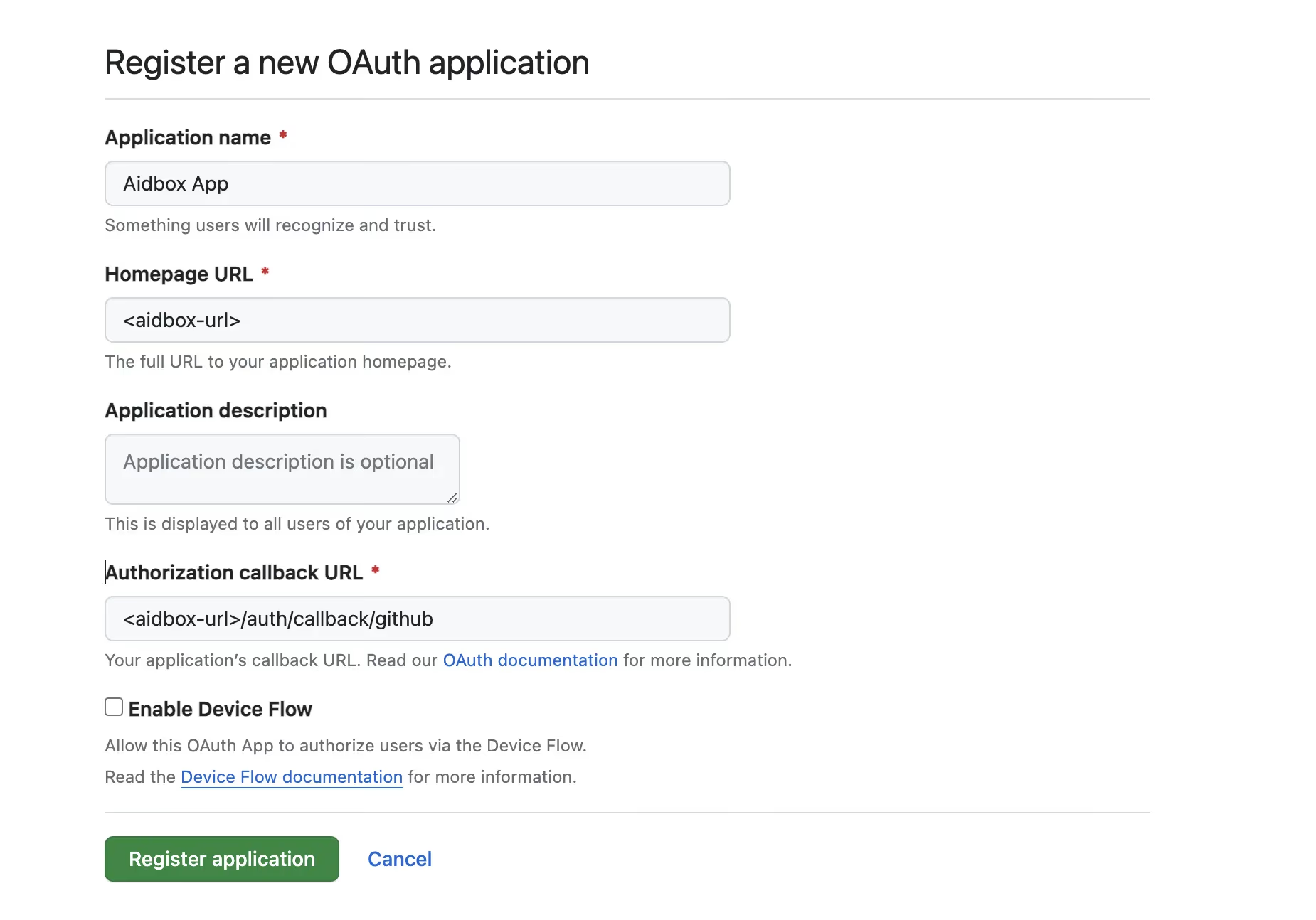
GitHub registration OAuth app form
Generate a new secret
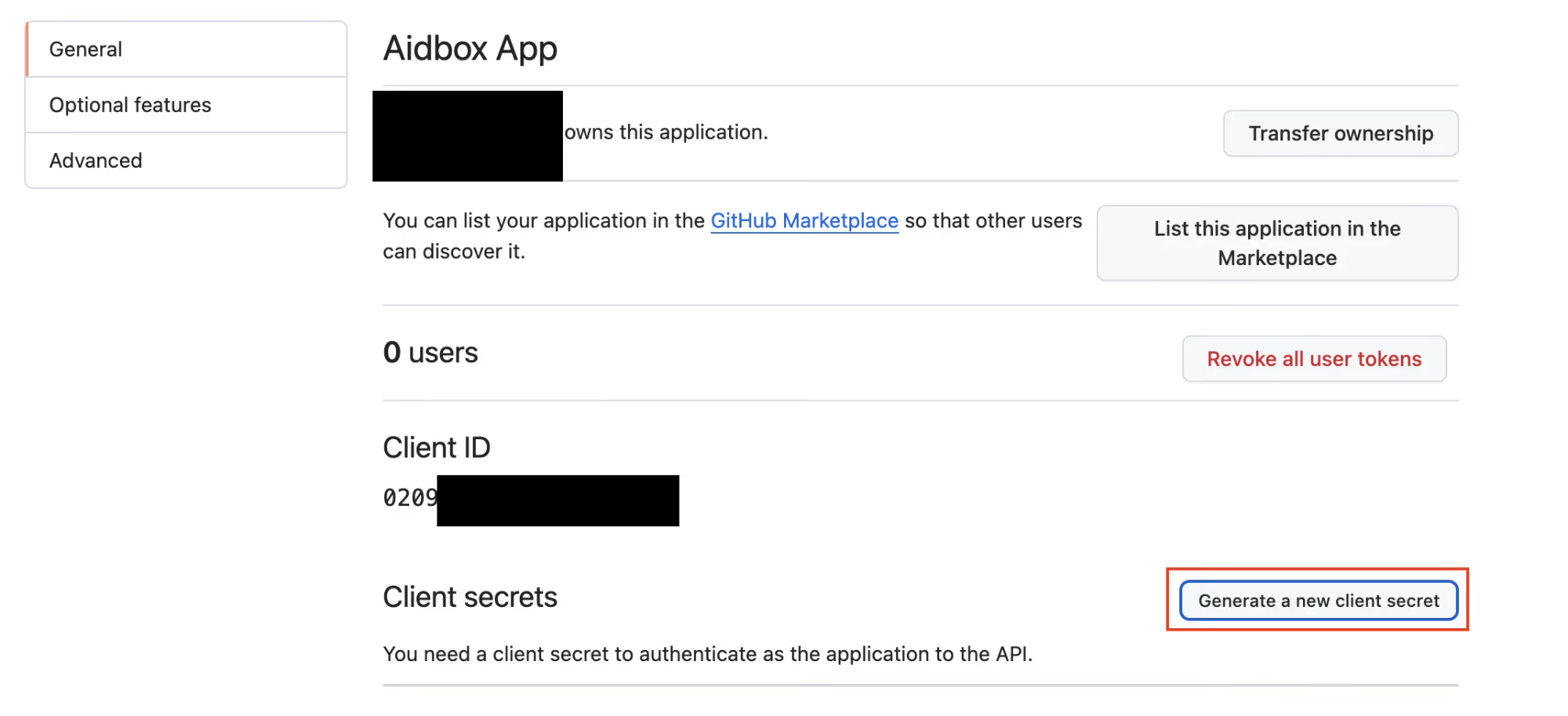
OAuth application settings
Create an IdentityProvider in Aidbox
Using REST Console create an IdentityProvider config.
PUT /IdentityProvider/github?_format=yaml&_pretty=true
content-type: text/yaml

type: github
active: true
system: https://github.com
scopes:
  - profile
  - openid
  - read:org
  - user
# not required
organizations:
  - <your-github-organization-name1>
  - <your-github-organization-name2>
client:
  id: <client-id>
  secret: <client-secret>
  redirect_uri: <base-url>/auth/callback/github
Login into Aidbox with GitHub
Go to your Aidbox base URL, you will be redirected to the login page - you should see "Sign in with <provider.title or .type>" button. Press this button and log in with GitHub user into Aidbox.
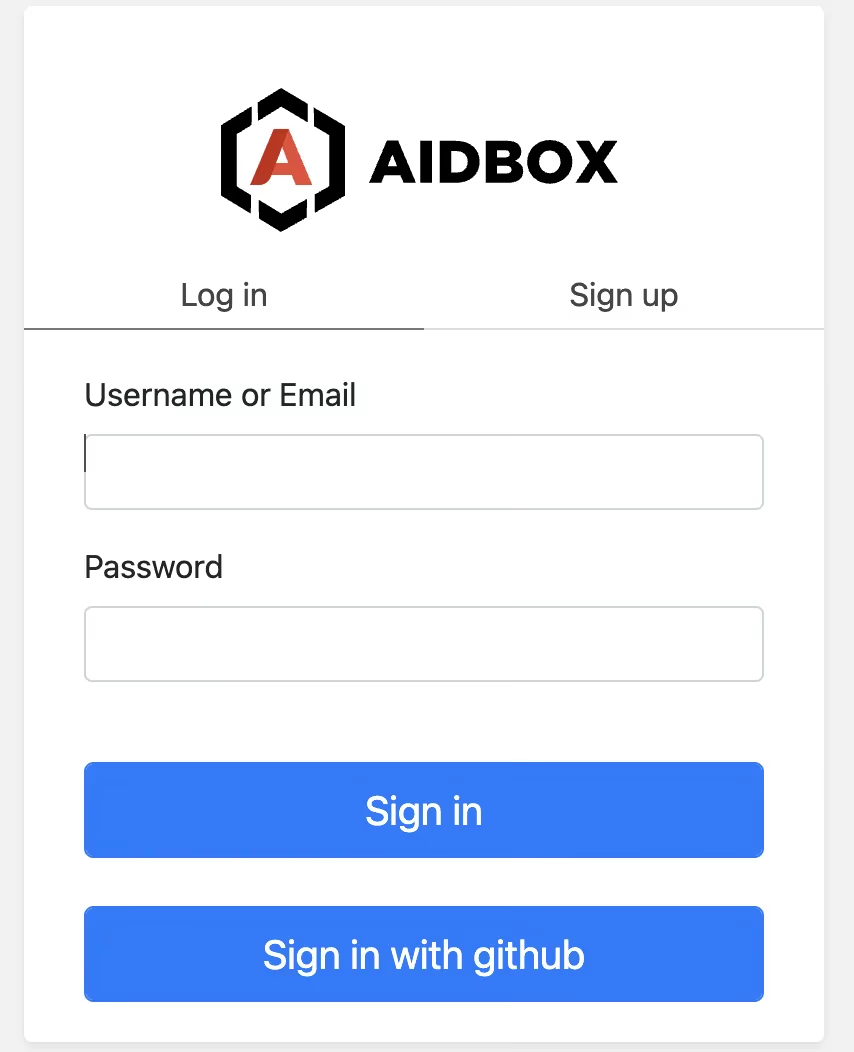
Aidbox login page
This user will be logged into Aidbox Console, but without any permissions. Read more in Access Control Section about permissions.