---
description: This guide shows how to set-up GitHub identity provider with Aidbox
---
# How to configure GitHub SSO for access to Aidbox UI
## Register an OAuth application on GitHub
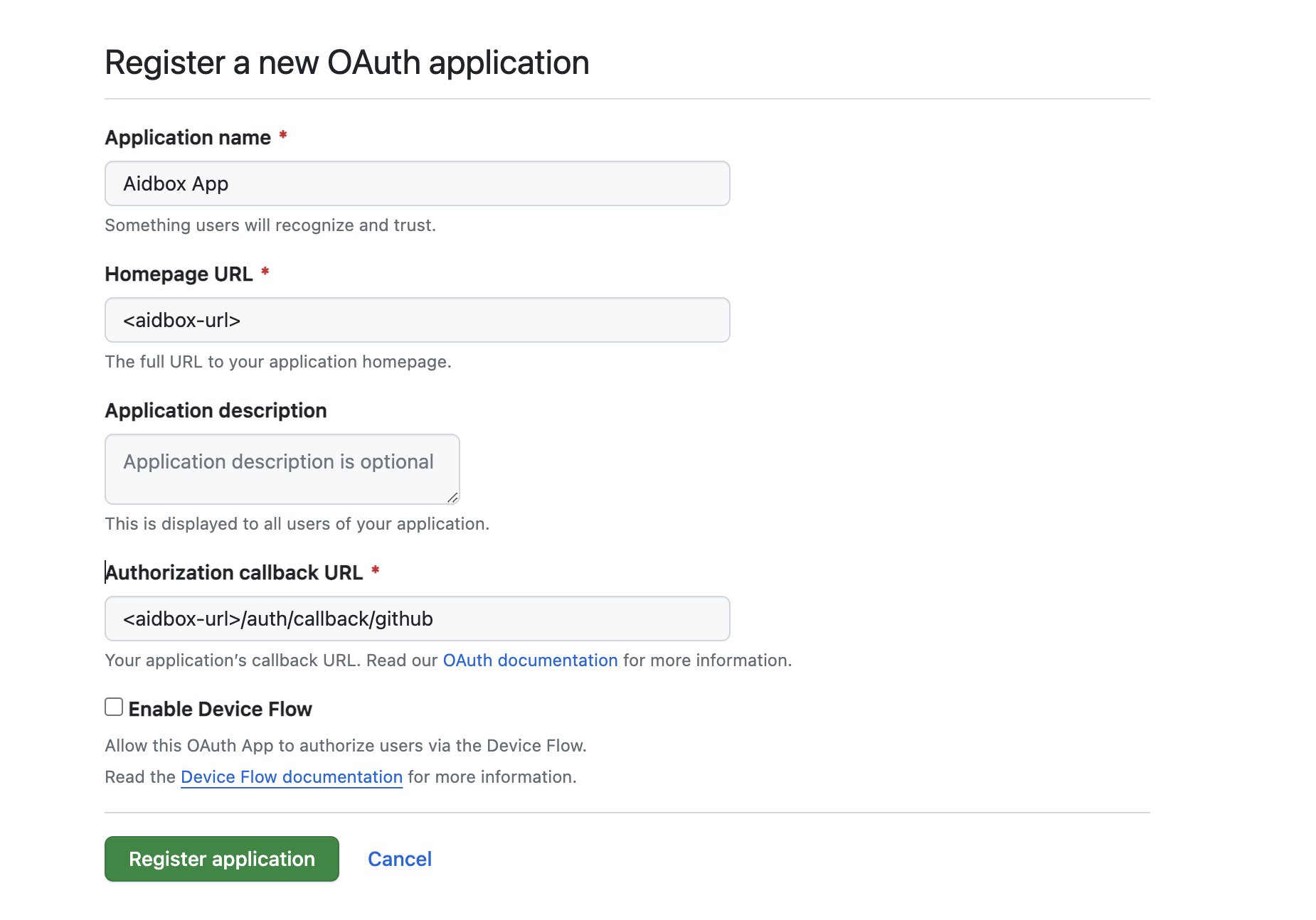
Open your organization's page on GitHub then **Settings > Developer Settings > OAuth Apps > New Org OAuth App.**
GitHub registration OAuth app form
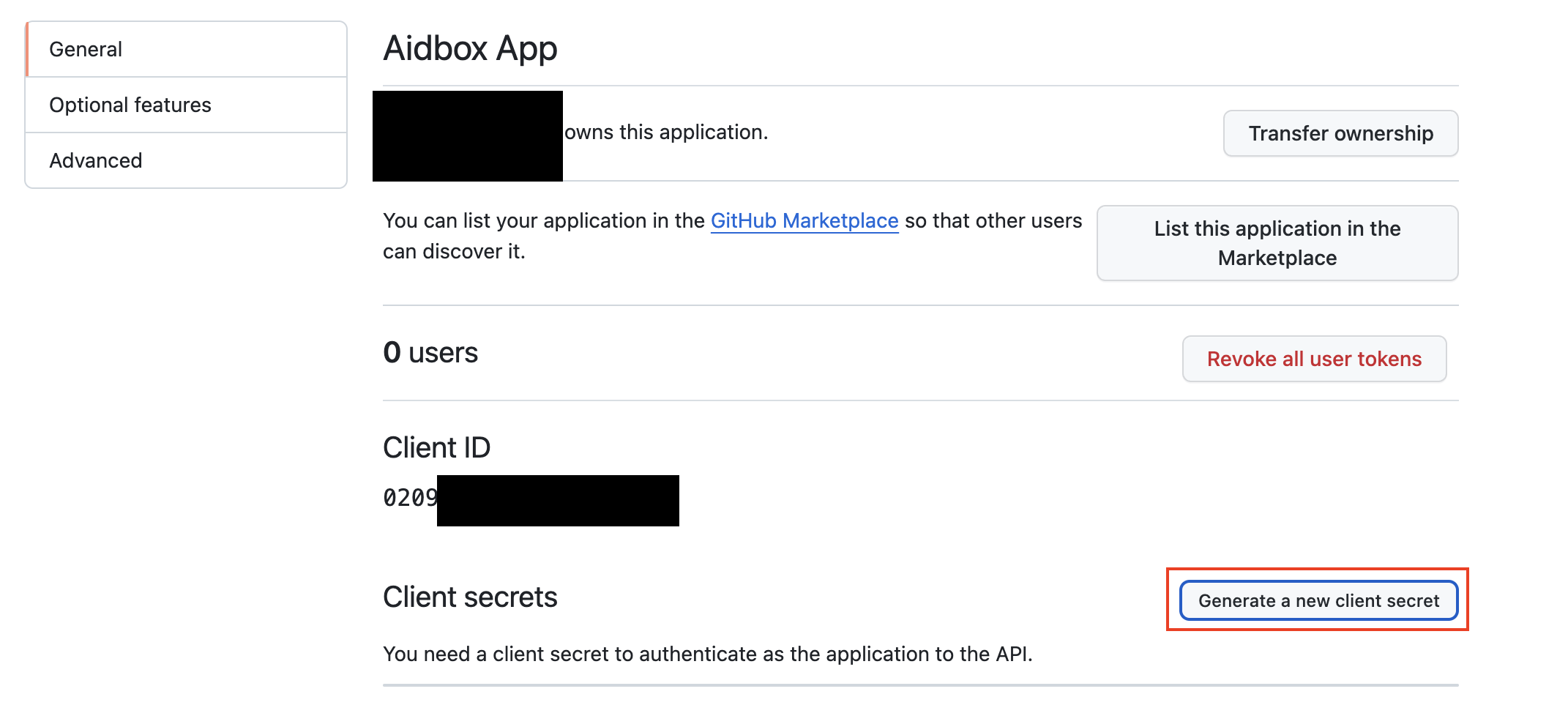
## Generate a new secret
OAuth application settings
## Create an IdentityProvider in Aidbox
Using REST Console create an IdentityProvider config.
```yaml
PUT /IdentityProvider/github?_format=yaml&_pretty=true
content-type: text/yaml
type: github
active: true
system: https://github.com
scopes:
- profile
- openid
- read:org
- user
# not required
organizations:
-
-
client:
id:
secret:
redirect_uri: /auth/callback/github
```
## Login into Aidbox with GitHub
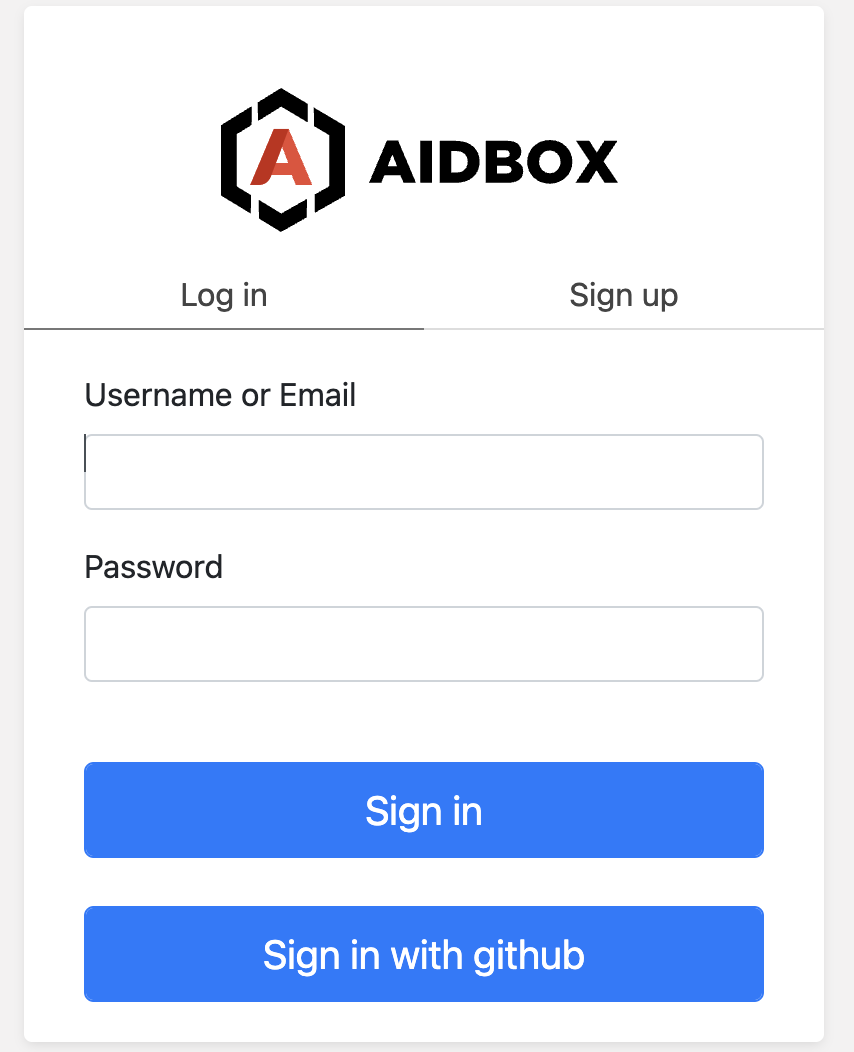
Go to your Aidbox base URL, you will be redirected to the login page - you should see **"Sign in with \"** button. Press this button and log in with GitHub user into Aidbox.
Aidbox login page
This user will be logged into Aidbox Console, but without any permissions. Read more in [Access Control Section](../../access-control/access-control.md) about permissions.