
Create voice agents
Use this when a patient should answer an existing form by talking instead of typing.
Voice works best for short, focused forms. Start with the form first, then add voice.
Typical Voice-Building Flow
Start From A Form
Ask for the form before asking for voice.
First create the [form name] form. Then add a voice agent that helps the patient complete that same form.
Example:
First create the post-discharge check-in form. Then add a voice agent that helps the patient complete that same check-in by talking.
Design The Conversation From The Form
The voice agent should follow the form, but it should not sound like someone reading a form aloud.
Ask:
Group the form questions into short conversation sections. Keep the important clinical sections, skip display-only text, and ask only questions the patient can answer.
Keep The Voice Agent Focused
The voice agent should not interview the patient about everything.
Ask:
The voice agent should ask only the questions needed for this form. Keep the conversation short, use patient-friendly wording, and ask brief follow-up questions only when a required answer is missing.
Match The Written Form
The voice answer should become the same kind of submitted form answer.
Ask:
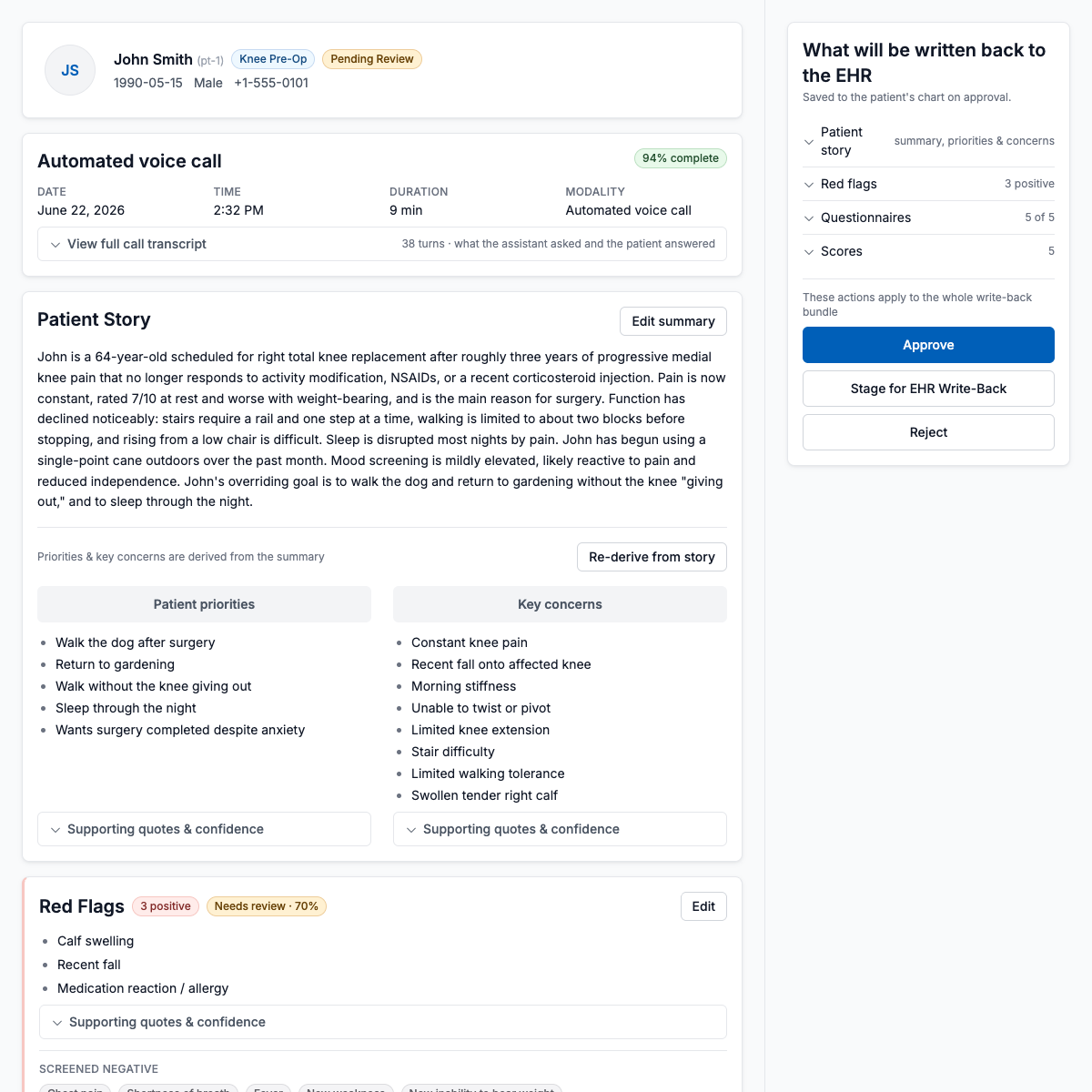
Save the voice answers as a submitted form response. The care team should review voice and typed submissions in the same review page.
A good voice result ends as a reviewable care-team screen, not as a separate call artifact.
Add Review Before Submit
For patient safety, give the patient a chance to check the answers.
Let the patient review the answers before submitting. Do not submit if required answers are missing.
Try The Voice Agent
Try it with a normal case and one case that needs attention.
Show a voice test for one normal patient and one patient with worsening symptoms. After each test, show the submitted response in the care-team review page.
Next, see Create forms or Create copilots.