
At the HL7 FHIR® Virtual Connectathon held from January 14-16, Health Samurai introduced its implementation of the FHIR Structured Data Capture (FHIR SDC) Implementation Guide (IG) - Aidbox Forms.
The team demonstrated the complete workflow - from creating an FHIR-compliant digital medical form to storing data in an FHIR server - illustrating the practical application of Aidbox Forms within the FHIR ecosystem.
Let's review the key capabilities and features of Aidbox Forms that were demonstrated.
Role coverage
Aidbox Forms fully supports all key roles from the FHIR SDC IG:
- Form Designer: Makes creating FHIR-compliant forms easier, saving time and effort.
- Form Filler: Provides a simple interface for users to fill out forms quickly and accurately.
- Form Manager: Helps manage form versions and updates, keeping everything organized and compliant.
- Response Manager: Collects and stores responses securely, ensuring data is reliable and easy to use.
- Form Receiver: Enables smooth data sharing with other systems for better collaboration.
For developers and IT teams, it eliminates the need for custom implementations for each role, saving time and resources.
For healthcare providers, patients, and other end-users, it translates into less time spent on paperwork, fewer errors, and more focus on delivering or receiving care.
Integration flexibility
Built natively on the Aidbox FHIR server, Aidbox Forms seamlessly integrates with other FHIR servers for data and form storage, as well as external terminology services. The integration with FHIR servers and terminology services supports the broader goal of the FHIR SDC spec: to create a unified, standards-based approach to data capture.
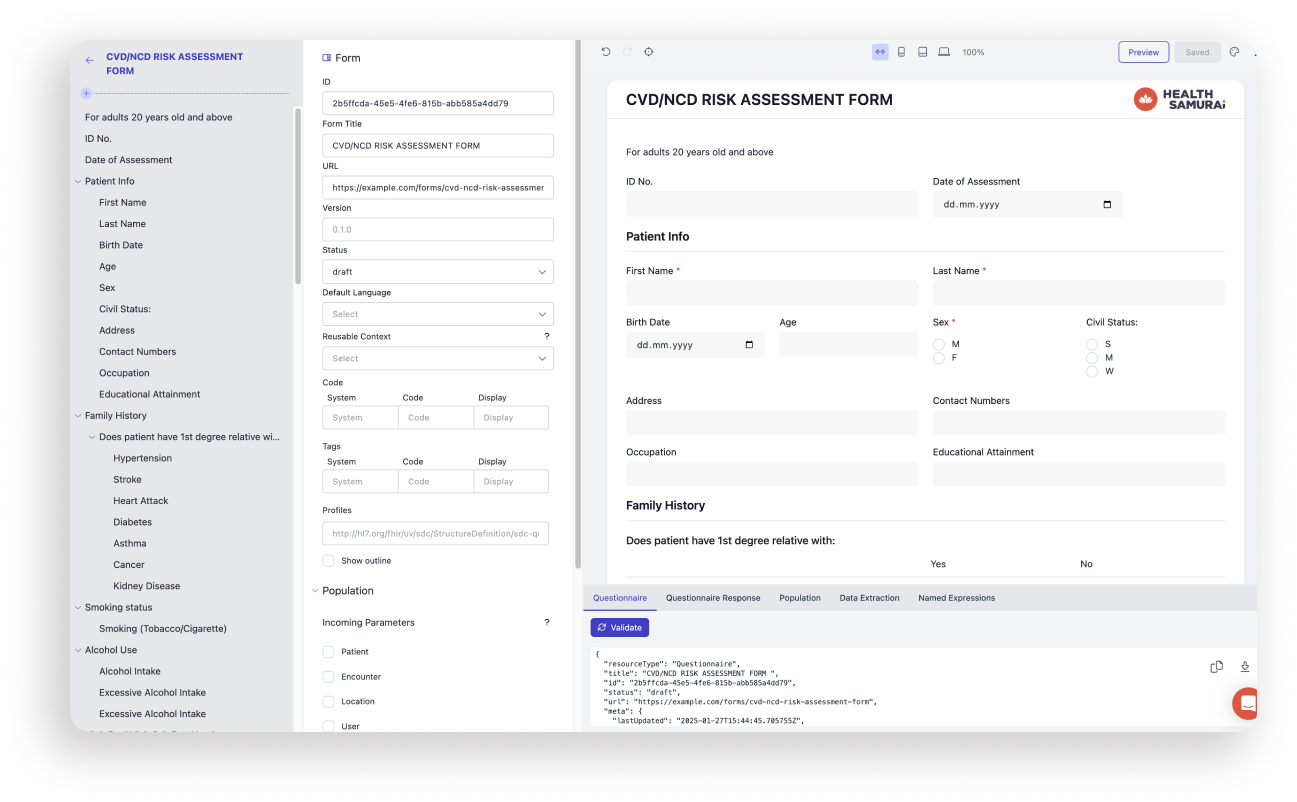
FHIR SDC Key features
- Multiple form creation options: Create forms using pre-built templates, import existing FHIR Questionnaires or PDFs, or design forms from scratch.
- UI Form Builder: A user-friendly, drag-and-drop interface that simplifies form design without requiring technical expertise.
- Repopulate feature: Refresh the data in forms, ensuring that the information is always up-to-date, even if the patient's data has changed during the form filling process.
- Multilingual forms: Supports form creation in multiple languages, making it easier to serve diverse populations and global users.
- Modular forms: Build reusable components (e.g., sections, questions, or logic) to create consistent forms across projects.
- FHIRPath Editor: The demo introduced the FHIRPath Editor, a tool with autocomplete and hints to simplify writing calculated expressions, population logic, and extraction logic. Looking ahead, the team plans to release a no-code constructor to handle 70-80% of common use cases, reducing the need for manual FHIRPath coding.
Watch Aidbox Forms on YouTube for step-by-step guides and walk-throughs of the latest features
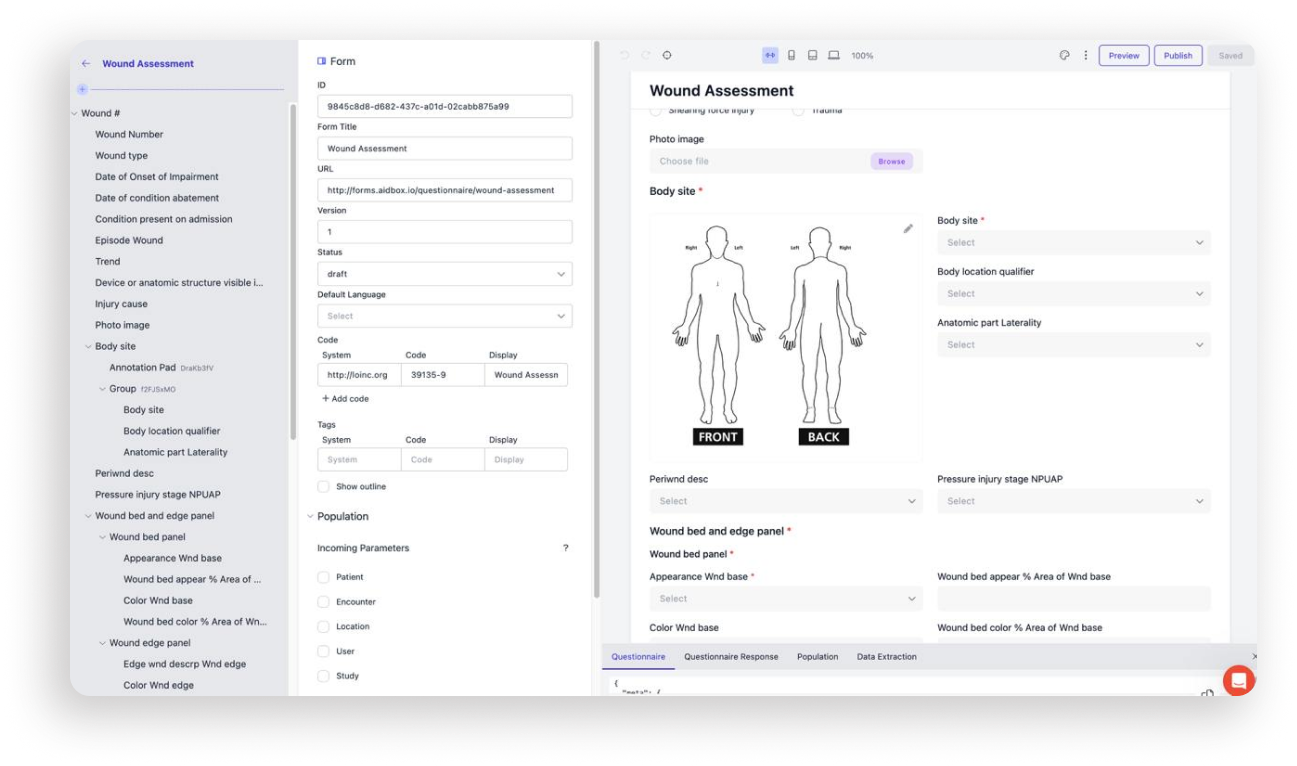
How Aidbox SDC Forms are different
Aidbox Forms is one of the few tools on the market that covers 80% of the FHIR SDC IG and supports the entire workflow. While many tools offer basic form rendering, Aidbox Forms goes further with its no-code UI builder, streamlining the form creation process.
Maria Ryzhikova, Team Lead for Aidbox Forms, explains: "When developing the form builder, we were inspired by various IDE solutions, but we wanted to provide a user-friendly tool for non-technical users, with everything right at their fingertips. As users draft the logical structure of a form, they instantly see the result - a ready form that they can test."
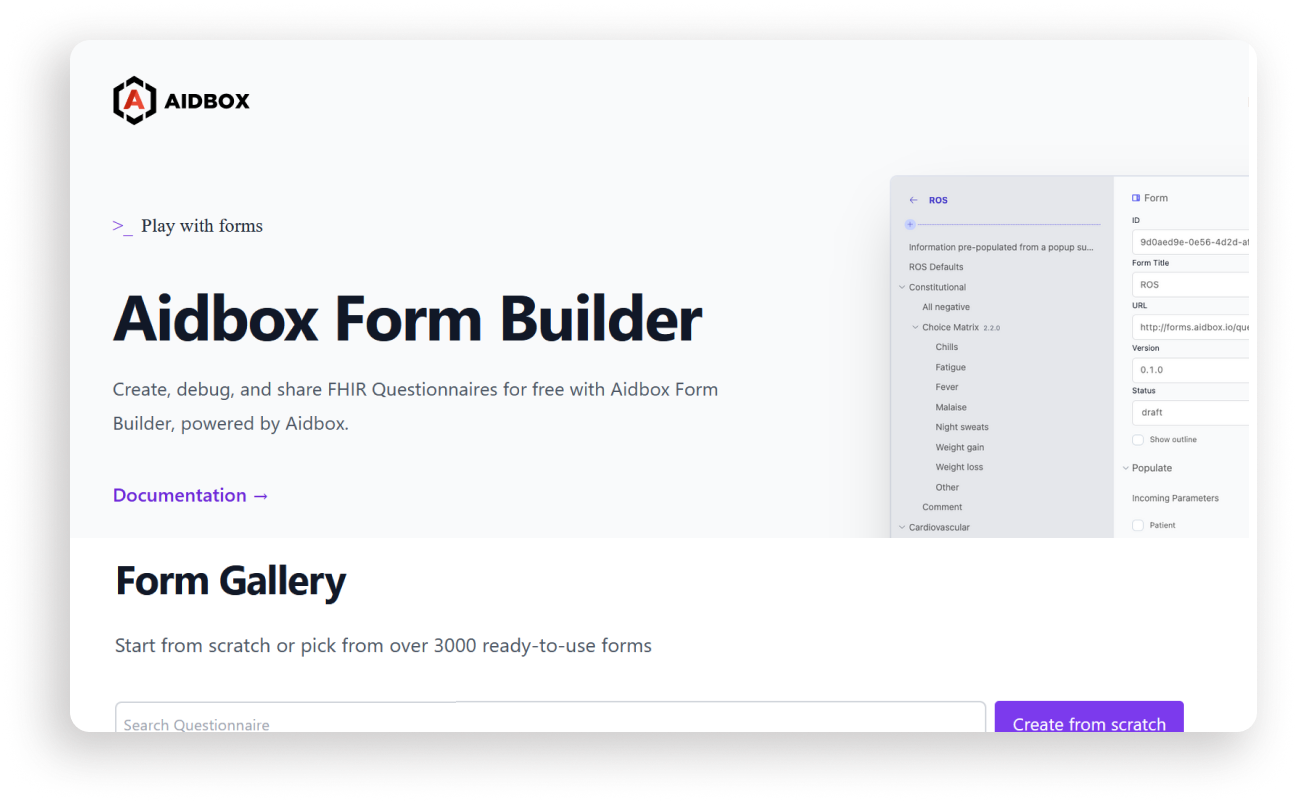
Public Form Builder: A free FHIR tool for building medical forms
During the demo, the team introduced the Public Form Builder, a free online tool that allows users to:
- Access over 3,000 ready-to-use form templates.
- Upload questionnaires or create new ones using drag-and-drop functionality.
- Generate FHIR-compliant forms in minutes.
Once a form is created, users can easily share it via a link or export it as a JSON file. This capability is the key feature of the Public Form Builder, enabling users to assemble their forms and export them for further use.
Contribute to the Form Gallery
Let’s build a collection of smart medical forms designed for real-world use cases together. Here’s how you can participate:
- Send us your PDF form and requirements.
- We’ll build it using the Aidbox Form Builder.
- We’ll publish it to the Aidbox Form Gallery, with you credited as the publisher.
