Run Auditbox Locally
Get Auditbox running on your local machine in a few minutes using our pre-configured one-liner script.
Prerequisites

Please make sure that both Docker & Docker Compose are installed.
Quick Start
Step 1: Create a directory and run
mkdir auditbox && cd auditbox
curl -JO https://aidbox.app/runme/auditbox && docker compose up
This command downloads the Auditbox configuration file and starts all services using Docker Compose. Wait about 2 minutes for all services to load.
Step 2: Sign in to Auditbox
Open http://localhost:3000/ in your browser. You'll see the Auditbox login screen.
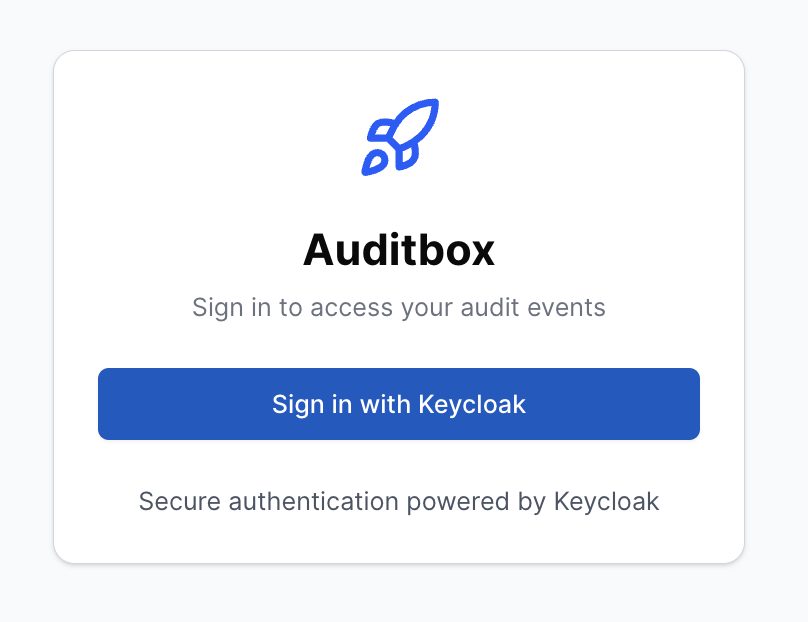
Auditbox uses Keycloak as the identity provider, but you can configure any other IDP that supports OpenID Connect.
Click "Sign in with Keycloak" and you'll see the Keycloak login screen.
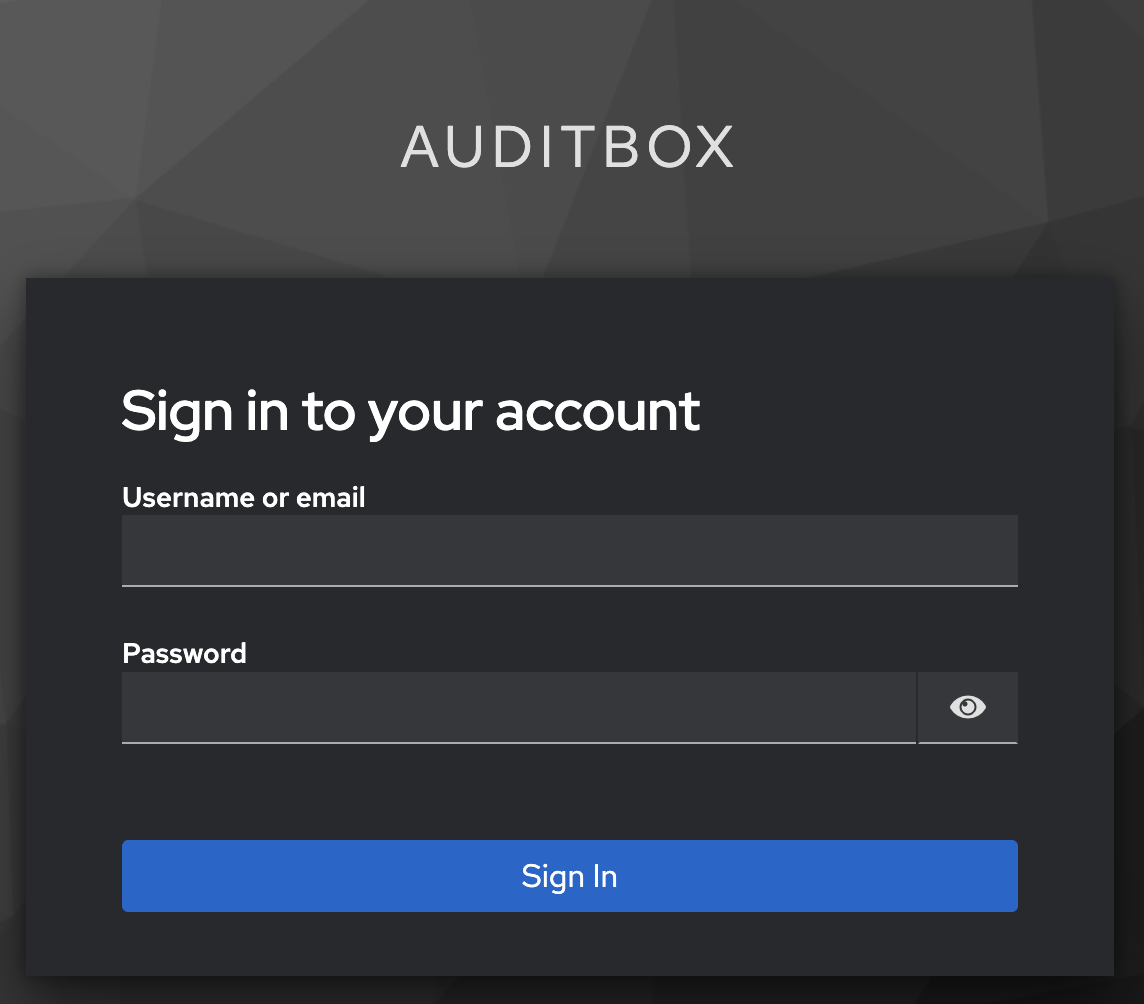
Use the following credentials to sign in:
- Username or email:
user - Password:
password
Click "Sign In" and you will see the Auditbox UI.
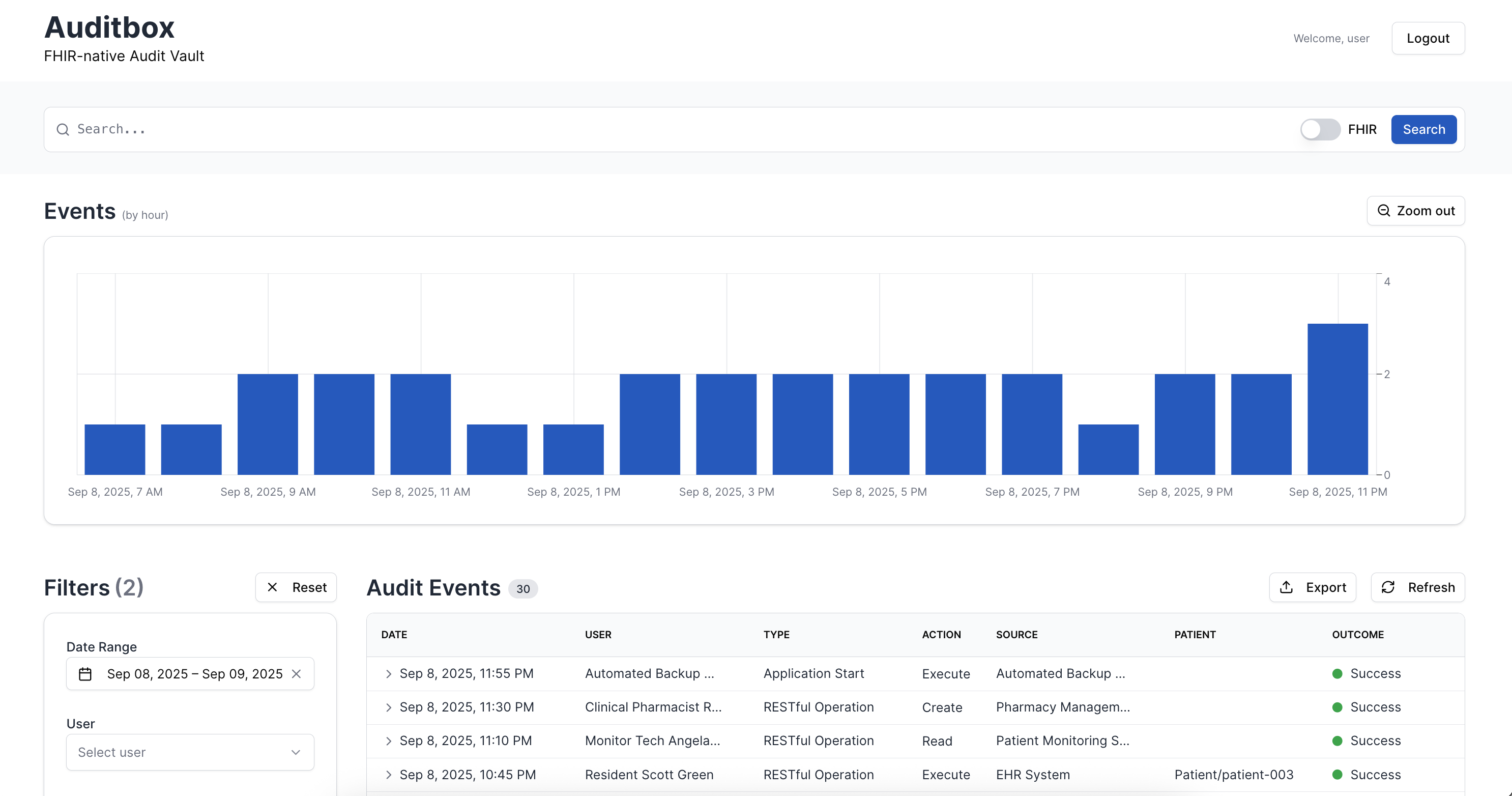
Step 3: Discover Auditbox features
Use the Auditbox interface to explore audit event management and search capabilities. Test data is automatically loaded.
What gets installed
The one-liner automatically sets up and runs four Docker services:
| Service | URL | Description |
|---|---|---|
| Auditbox | http://localhost:3000/ | Auditbox User Interface |
| API | http://localhost:3000/AuditEvent | FHIR REST API |
| Elasticsearch 8.17.0 | http://localhost:9204/ | Elasticsearch |
| Keycloak 26.0.6 | http://localhost:8888/ | Authorization admin |
Docker services configuration
services:
  auditbox:
    image: healthsamurai/auditbox:edge
    pull_policy: always
    depends_on:
      elasticsearch:
        condition: service_healthy
    environment:
      IDP_AUTHORIZE_ENDPOINT: http://localhost:8888/realms/auditbox/protocol/openid-connect/auth
      AUDITBOX_LOG_LEVEL: debug
      BINDING: 0.0.0.0
      ELASTIC_URI: http://elasticsearch:9200
      AUDITBOX_API_AUTH_ENABLED: 'false'
      IDP_CLIENT_SECRET: super-secret
      IDP_TOKEN_ENDPOINT: http://keycloak:8888/realms/auditbox/protocol/openid-connect/token
      IDP_CLIENT_ID: auditbox
      AUDITBOX_BASE_URL: http://localhost:3000
    extra_hosts:
    - id.local.test:host-gateway
    ports:
    - 3000:3000

  elasticsearch:
    image: docker.elastic.co/elasticsearch/elasticsearch:8.17.0
    environment:
    - node.name=elasticsearch
    - cluster.name=es-docker-cluster
    - discovery.type=single-node
    - xpack.security.enabled=false
    - xpack.security.enrollment.enabled=false
    - action.destructive_requires_name=false
    - bootstrap.memory_lock=true
    - ES_JAVA_OPTS=-Xms2g -Xmx2g
    - path.repo=/usr/share/elasticsearch/snapshots
    healthcheck:
      test: curl http://localhost:9200
      interval: 1s
      timeout: 3s
      retries: 20
      start_period: 120s
    ports:
    - 9204:9200
    volumes:
    - elasticsearch-demo-data:/usr/share/elasticsearch/data

  kibana:
    image: docker.elastic.co/kibana/kibana:8.17.0
    depends_on:
      elasticsearch:
        condition: service_healthy
    ports:
    - 5602:5601
    environment:
      ELASTICSEARCH_URL: http://elasticsearch:9200
      ELASTICSEARCH_HOSTS: '["http://elasticsearch:9200"]'

  seed:
    image: curlimages/curl:8.10.1
    depends_on:
      auditbox:
        condition: service_started
    entrypoint:
    - /bin/sh
    - -c
    command: |-
      'until curl -fsS http://auditbox:3000/ >/dev/null 2>&1; do
            echo "waiting for auditbox..."; sleep 2;
          done;
          echo "auditbox is up, seeding...";
          curl -fsSL https://storage.googleapis.com/aidbox-public/auditbox/auditbox-test-seed.json |
          curl -fsS -X POST -H "Content-Type: application/json" --data-binary @- http://auditbox:3000/ &&
          echo "seed complete."'
    restart: 'no'

  keycloak:
    image: quay.io/keycloak/keycloak:26.0.6
    ports:
    - 8888:8888
    environment:
      KC_HTTP_PORT: '8888'
      KC_BOOTSTRAP_ADMIN_USERNAME: admin
      KC_BOOTSTRAP_ADMIN_PASSWORD: admin
    command: start-dev --import-realm --http-port 8888
    configs:
    - source: keycloak_realm_json
      target: /opt/keycloak/data/import/keycloak.json

volumes:
  elasticsearch-demo-data:
    driver: local

configs:
  keycloak_realm_json:
    content: |-
      {
      "id": "auditbox",
      "realm": "auditbox",
      "enabled": true,
      "clients": [
      {
      "clientId": "auditbox",
      "name": "Auditbox",
      "description": "Auditbox",
      "clientAuthenticatorType": "client-secret",
      "secret": "super-secret",
      "redirectUris": [
      "http://localhost:3000/auth/callback/keycloak",
      "http://auditbox:3000/auth/callback/keycloak"
      ],
      "webOrigins": [
      "http://localhost:3000",
      "http://auditbox:3000",
      "http://127.0.0.1:3000"
      ],
      "standardFlowEnabled": true,
      "directAccessGrantsEnabled": true,
      "publicClient": false,
      "protocol": "openid-connect",
      "fullScopeAllowed": true,
      "defaultClientScopes": ["web-origins","acr","profile","roles","basic","email"],
      "optionalClientScopes": ["address","phone","offline_access","organization","microprofile-jwt"],
      "access": {"view": true, "configure": true, "manage": true}
      }
      ],
      "users": [
      {
      "username": "user",
      "email": "user@example.com",
      "enabled": true,
      "emailVerified": true,
      "firstName": "John",
      "lastName": "Doe",
      "credentials": [{ "type": "password", "value": "password", "temporary": false }]
      }
      ]
      }
Stopping
# Stop services (data will be preserved)
docker compose down

# Stop and remove all data
docker compose down -v
Last updated: