# Run Auditbox Locally
Get Auditbox running on your local machine in a few minutes using our pre-configured one-liner script.
## Prerequisites
{% hint style="warning" %}
 Please **make sure** that both [Docker & Docker Compose](https://docs.docker.com/engine/install/) are installed.
{% endhint %}
## Quick Start
### Step 1: Create a directory and run
```bash
mkdir auditbox && cd auditbox
curl -JO https://aidbox.app/runme/auditbox && docker compose up
```
This command downloads the Auditbox configuration file and starts all services using Docker Compose.
Wait about 2 minutes for all services to load.
### Step 2: Sign in to Auditbox
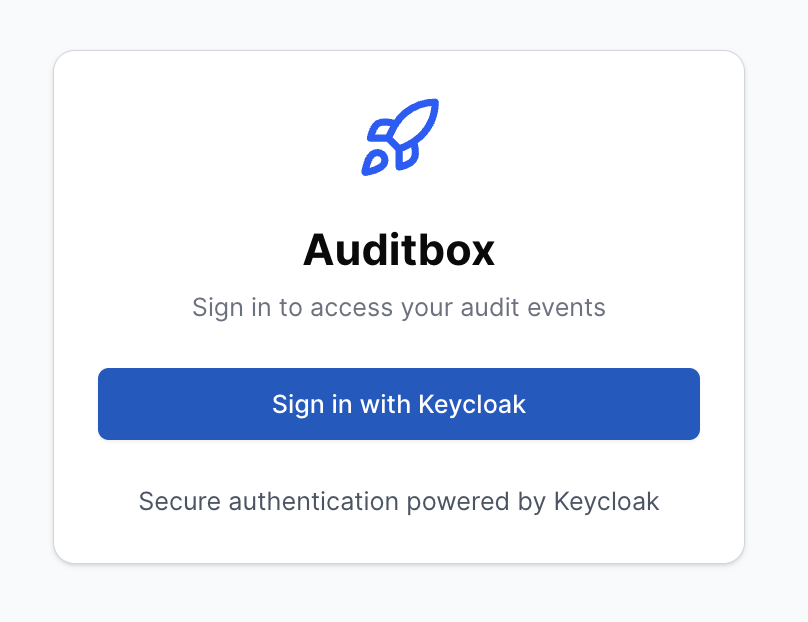
Open **http://localhost:3000/** in your browser. You'll see the Auditbox login screen.
Please **make sure** that both [Docker & Docker Compose](https://docs.docker.com/engine/install/) are installed.
{% endhint %}
## Quick Start
### Step 1: Create a directory and run
```bash
mkdir auditbox && cd auditbox
curl -JO https://aidbox.app/runme/auditbox && docker compose up
```
This command downloads the Auditbox configuration file and starts all services using Docker Compose.
Wait about 2 minutes for all services to load.
### Step 2: Sign in to Auditbox
Open **http://localhost:3000/** in your browser. You'll see the Auditbox login screen.
 {% hint style="info" %}
Auditbox uses Keycloak as the identity provider, but you can configure any other IDP that supports OpenID Connect.
{% endhint %}
Click "Sign in with Keycloak" and you'll see the Keycloak login screen.
{% hint style="info" %}
Auditbox uses Keycloak as the identity provider, but you can configure any other IDP that supports OpenID Connect.
{% endhint %}
Click "Sign in with Keycloak" and you'll see the Keycloak login screen.
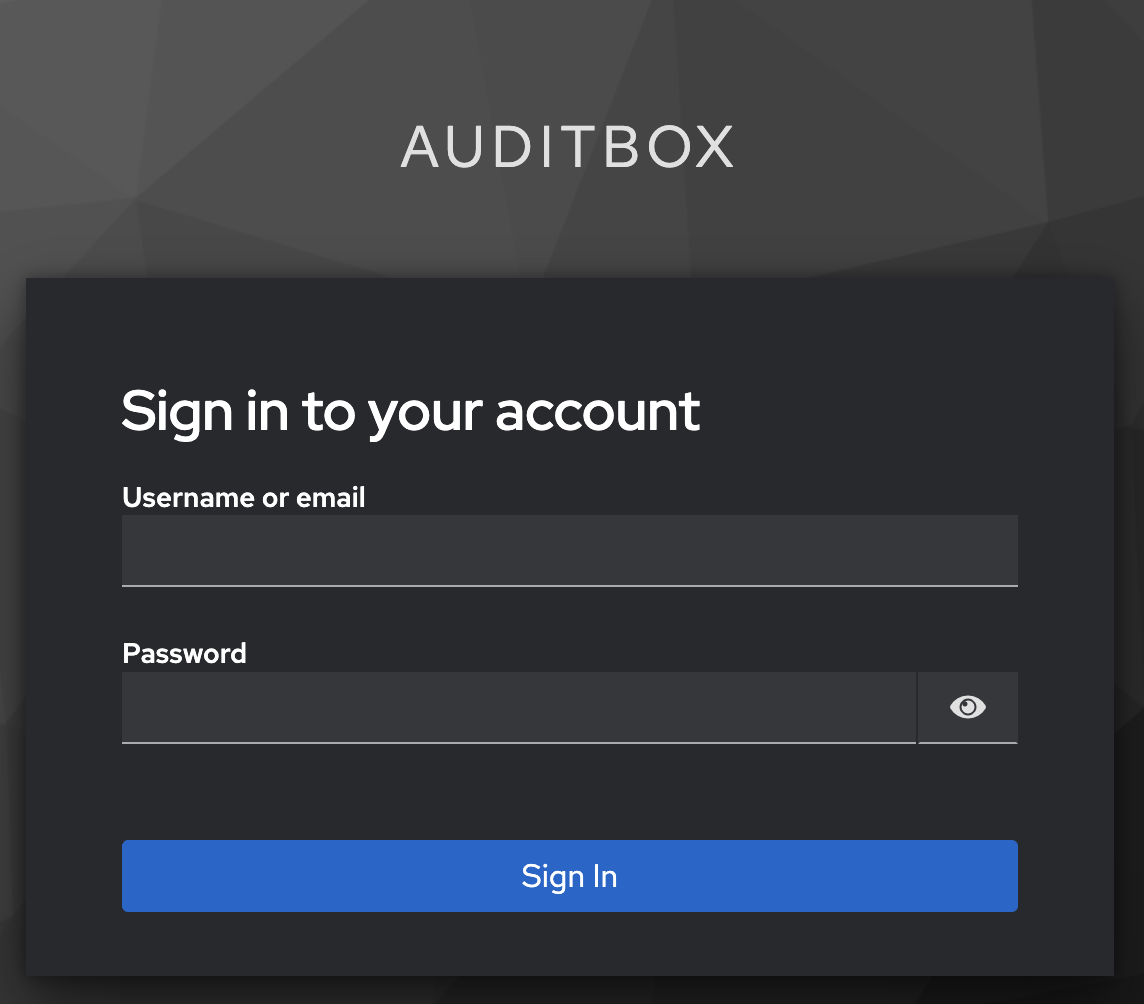 Use the following credentials to sign in:
- **Username or email**: `user`
- **Password**: `password`
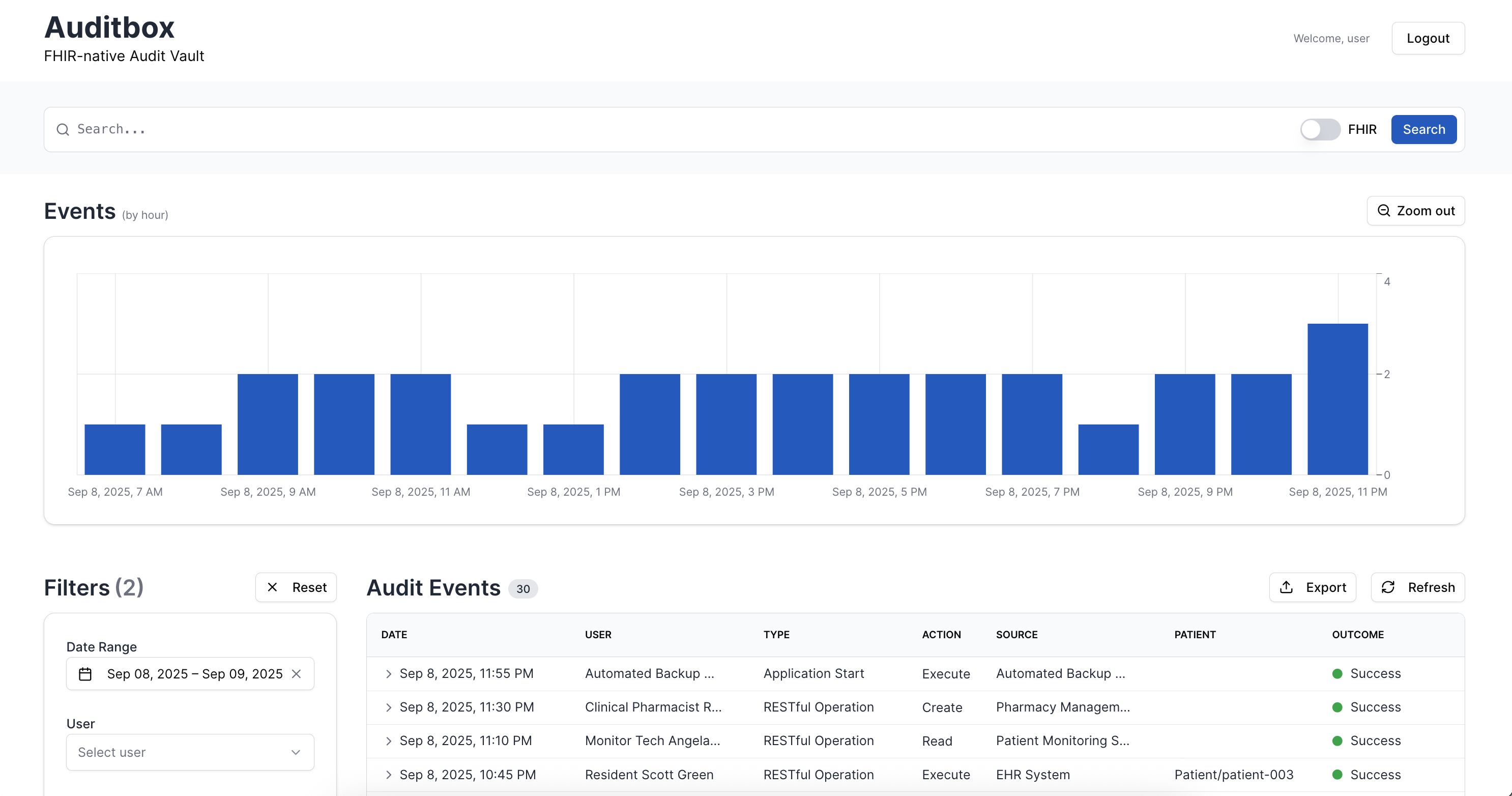
Click "Sign In" and you will see the Auditbox UI.
Use the following credentials to sign in:
- **Username or email**: `user`
- **Password**: `password`
Click "Sign In" and you will see the Auditbox UI.
 ### Step 3: Discover Auditbox features
Use the Auditbox interface to explore audit event management and search capabilities. Test data is automatically loaded.
## What gets installed
The one-liner automatically sets up and runs four Docker services:
| Service | URL | Description |
|---------|-----|-------------|
| Auditbox | http://localhost:3000/ | Auditbox User Interface |
| API | http://localhost:3000/AuditEvent | FHIR REST API |
| Elasticsearch 8.17.0 | http://localhost:9204/ | Elasticsearch |
| Keycloak 26.0.6 | http://localhost:8888/ | Authorization admin |
### Step 3: Discover Auditbox features
Use the Auditbox interface to explore audit event management and search capabilities. Test data is automatically loaded.
## What gets installed
The one-liner automatically sets up and runs four Docker services:
| Service | URL | Description |
|---------|-----|-------------|
| Auditbox | http://localhost:3000/ | Auditbox User Interface |
| API | http://localhost:3000/AuditEvent | FHIR REST API |
| Elasticsearch 8.17.0 | http://localhost:9204/ | Elasticsearch |
| Keycloak 26.0.6 | http://localhost:8888/ | Authorization admin |
Docker services configuration
```yaml
services:
auditbox:
image: healthsamurai/auditbox:edge
pull_policy: always
depends_on:
elasticsearch:
condition: service_healthy
environment:
IDP_AUTHORIZE_ENDPOINT: http://localhost:8888/realms/auditbox/protocol/openid-connect/auth
AUDITBOX_LOG_LEVEL: debug
BINDING: 0.0.0.0
ELASTIC_URI: http://elasticsearch:9200
AUDITBOX_API_AUTH_ENABLED: 'false'
IDP_CLIENT_SECRET: super-secret
IDP_TOKEN_ENDPOINT: http://keycloak:8888/realms/auditbox/protocol/openid-connect/token
IDP_CLIENT_ID: auditbox
AUDITBOX_BASE_URL: http://localhost:3000
extra_hosts:
- id.local.test:host-gateway
ports:
- 3000:3000
elasticsearch:
image: docker.elastic.co/elasticsearch/elasticsearch:8.17.0
environment:
- node.name=elasticsearch
- cluster.name=es-docker-cluster
- discovery.type=single-node
- xpack.security.enabled=false
- xpack.security.enrollment.enabled=false
- action.destructive_requires_name=false
- bootstrap.memory_lock=true
- ES_JAVA_OPTS=-Xms2g -Xmx2g
- path.repo=/usr/share/elasticsearch/snapshots
healthcheck:
test: curl http://localhost:9200
interval: 1s
timeout: 3s
retries: 20
start_period: 120s
ports:
- 9204:9200
volumes:
- elasticsearch-demo-data:/usr/share/elasticsearch/data
kibana:
image: docker.elastic.co/kibana/kibana:8.17.0
depends_on:
elasticsearch:
condition: service_healthy
ports:
- 5602:5601
environment:
ELASTICSEARCH_URL: http://elasticsearch:9200
ELASTICSEARCH_HOSTS: '["http://elasticsearch:9200"]'
seed:
image: curlimages/curl:8.10.1
depends_on:
auditbox:
condition: service_started
entrypoint:
- /bin/sh
- -c
command: |-
'until curl -fsS http://auditbox:3000/ >/dev/null 2>&1; do
echo "waiting for auditbox..."; sleep 2;
done;
echo "auditbox is up, seeding...";
curl -fsSL https://storage.googleapis.com/aidbox-public/auditbox/auditbox-test-seed.json |
curl -fsS -X POST -H "Content-Type: application/json" --data-binary @- http://auditbox:3000/ &&
echo "seed complete."'
restart: 'no'
keycloak:
image: quay.io/keycloak/keycloak:26.0.6
ports:
- 8888:8888
environment:
KC_HTTP_PORT: '8888'
KC_BOOTSTRAP_ADMIN_USERNAME: admin
KC_BOOTSTRAP_ADMIN_PASSWORD: admin
command: start-dev --import-realm --http-port 8888
configs:
- source: keycloak_realm_json
target: /opt/keycloak/data/import/keycloak.json
volumes:
elasticsearch-demo-data:
driver: local
configs:
keycloak_realm_json:
content: |-
{
"id": "auditbox",
"realm": "auditbox",
"enabled": true,
"clients": [
{
"clientId": "auditbox",
"name": "Auditbox",
"description": "Auditbox",
"clientAuthenticatorType": "client-secret",
"secret": "super-secret",
"redirectUris": [
"http://localhost:3000/auth/callback/keycloak",
"http://auditbox:3000/auth/callback/keycloak"
],
"webOrigins": [
"http://localhost:3000",
"http://auditbox:3000",
"http://127.0.0.1:3000"
],
"standardFlowEnabled": true,
"directAccessGrantsEnabled": true,
"publicClient": false,
"protocol": "openid-connect",
"fullScopeAllowed": true,
"defaultClientScopes": ["web-origins","acr","profile","roles","basic","email"],
"optionalClientScopes": ["address","phone","offline_access","organization","microprofile-jwt"],
"access": {"view": true, "configure": true, "manage": true}
}
],
"users": [
{
"username": "user",
"email": "user@example.com",
"enabled": true,
"emailVerified": true,
"firstName": "John",
"lastName": "Doe",
"credentials": [{ "type": "password", "value": "password", "temporary": false }]
}
]
}
```
## Stopping
```bash
# Stop services (data will be preserved)
docker compose down
# Stop and remove all data
docker compose down -v
```