---
description: >-
This guide shows how to set-up Active Directory Federation Services as an
identity provider
---
# How to configure Microsoft AD FS for access to the Aidbox UI
{% hint style="info" %}
The AD FS 2016 should be set up and configured. But it should work with AD FS 2012 R2
{% endhint %}
## Create application group for Aidbox in AD FS
To create application group for Aidbox:
1. Open AD FS Management console
2. Open the Application Groups item in the left sidebar
3. Press the `Add Application Group` button in the right sidebar
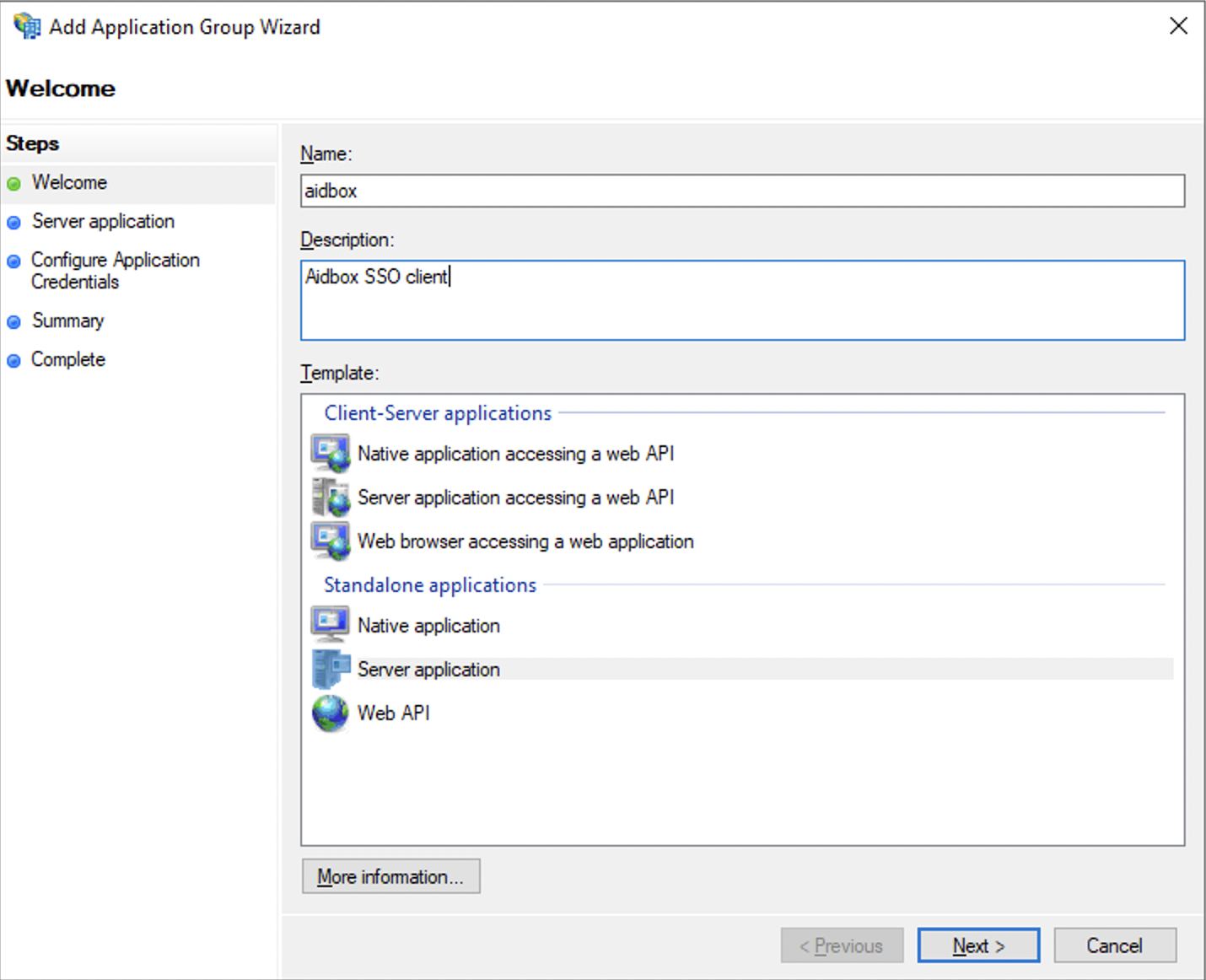
4. On the Welcome page of the Wizard
1. Define the name of the application
2. Provide the description
3. Chose the `Server application` type
5. Press the Next button
Add Application Group Wizard welcome page
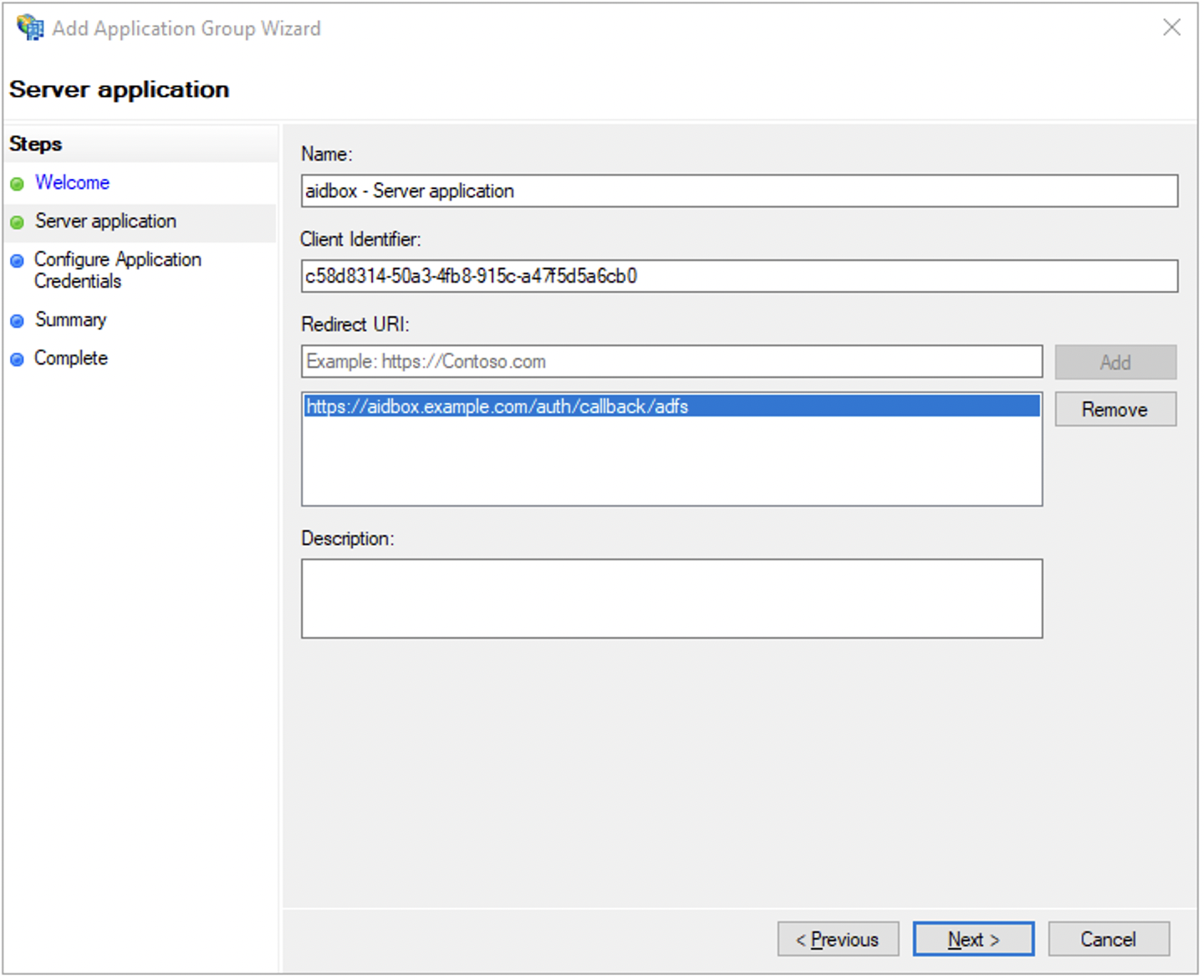
### Server application page
6. Copy the Client Identifier. We will use it later during the IdentityProvider resource creation
7. Add the `redirect_uri` and press the Add button. Redirect uri should look like this `https://aidbox.example.com/auth/callback/adfs`
8. Press the Next button
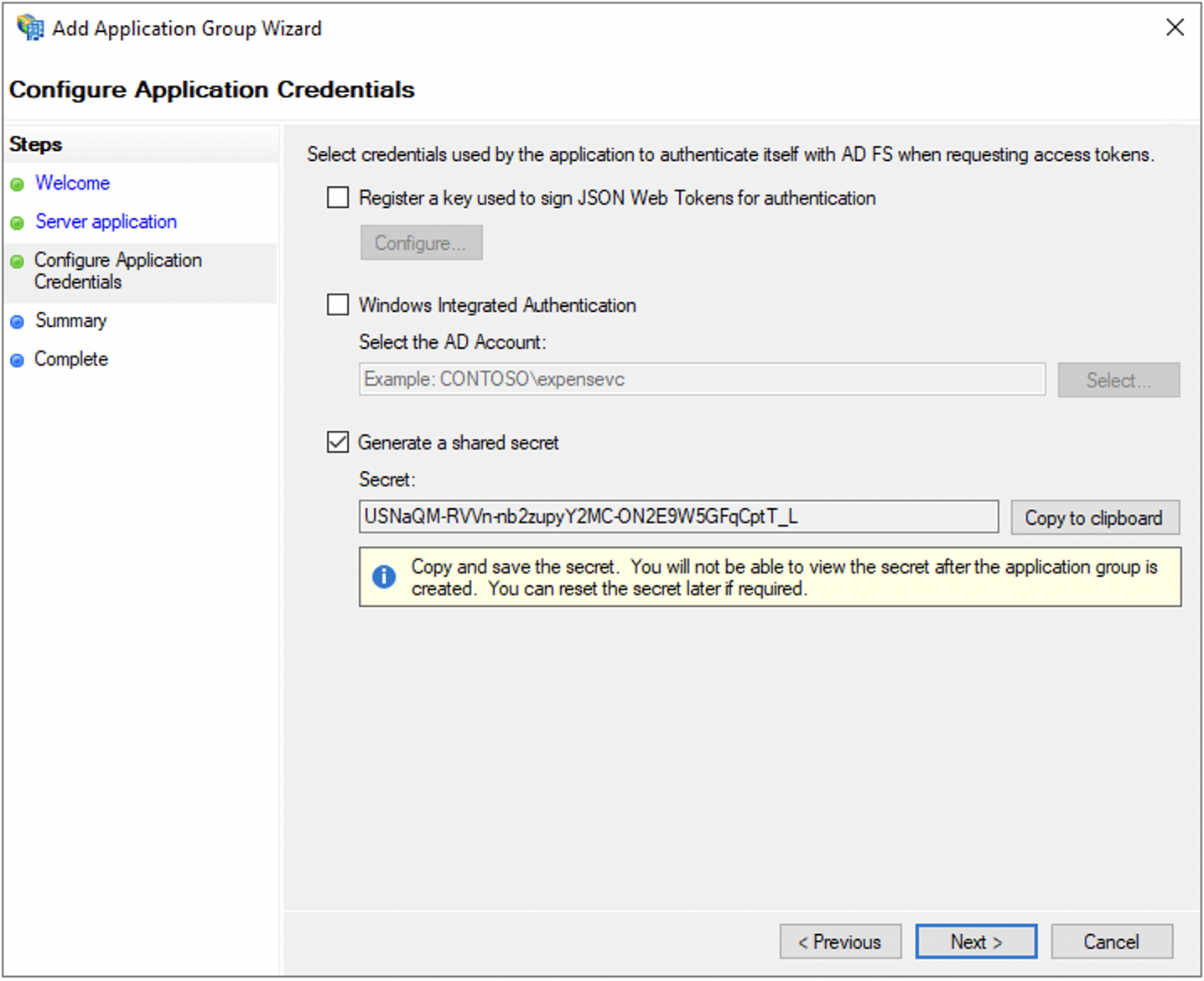
### Configure Application credentials
9. Check the Generate a shared secret checkbox
10. Copy generated secret. We will use it later during the IdentityProvider resource creation
11. Press the Next button
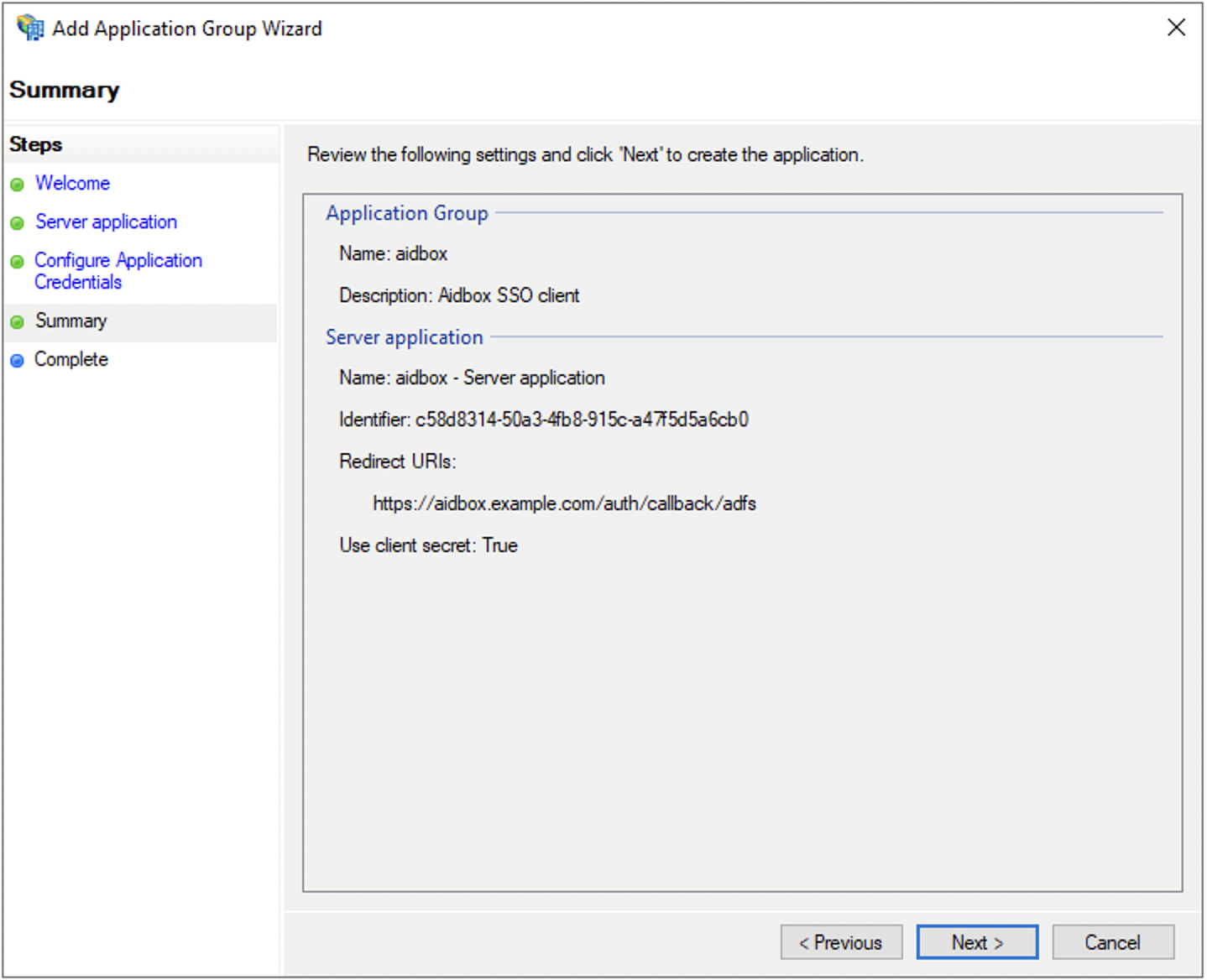
### Summary
12. Review the summary
13. Press the Next button
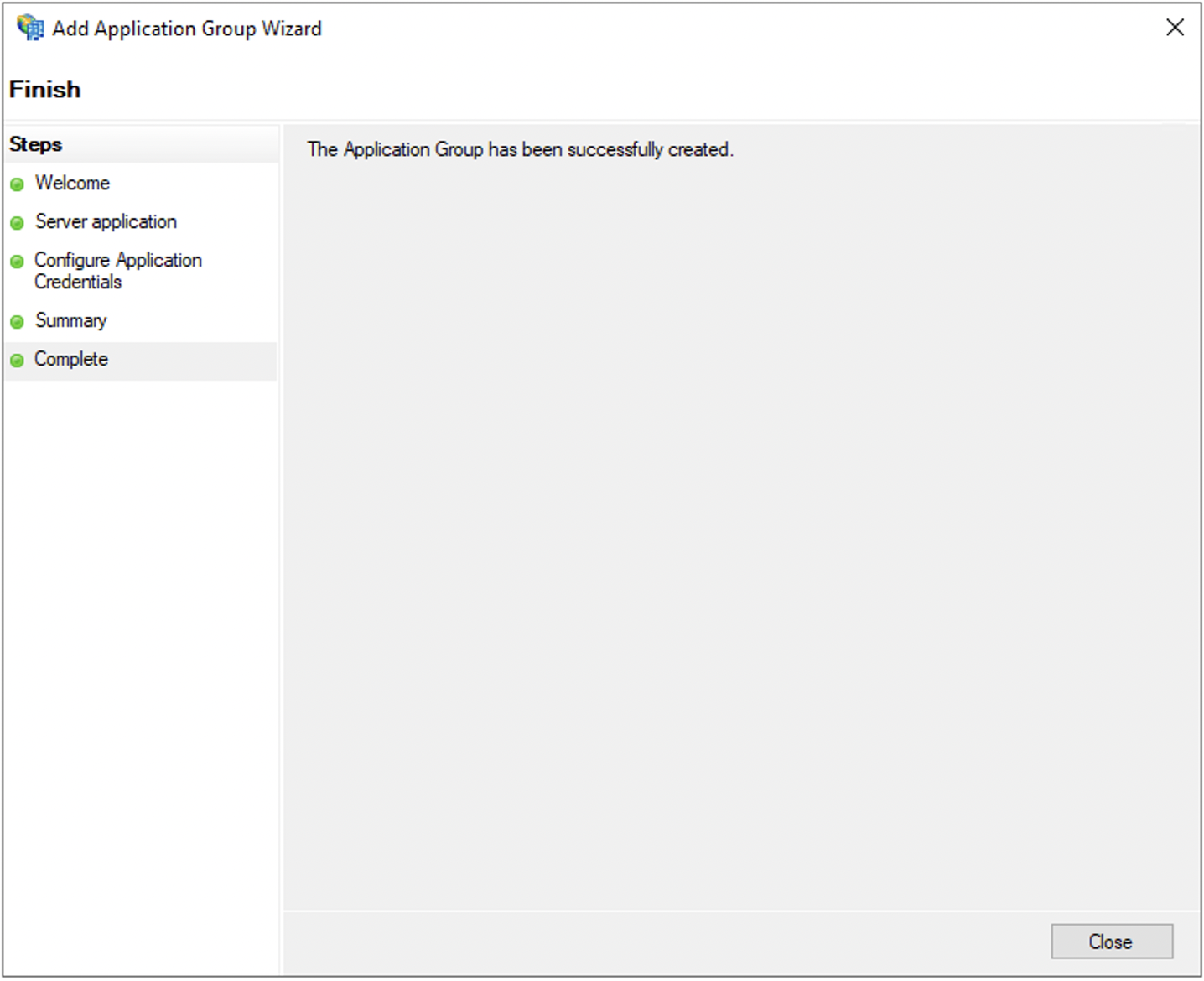
### Complete
14. Press the Close button
## Create IdentityProvider in Aidbox
To create IdentityProvider in Aidbox use REST Console
```yaml
POST /IdentityProvider
id: adfs
resourceType: IdentityProvider
title: AD FS on Prem # button label on the Aidbox login page
scopes:
- profile
- openid
system: adfs
authorize_endpoint: https:///adfs/oauth2/authorize/
token_endpoint: https:///adfs/oauth2/token/
userinfo_endpoint: https:///adfs/userinfo
userinfo-source: id-token | userinfo-endpoint
client:
id: # client id issued by AD FS
secret: # shared secred issued by AD FS
active: true
```
## Login to Aidbox
To login to Aidbox with AD FS:
1. Open Aidbox front-page
2. Press the Login with AD FS on Prem
3. Enter your domain credentials in AD FS login page
Then user is redirected back to Aidbox, and Aidbox logs user in.